MTR® BIM components for Tekla Structures​

Integrate MTR® System technology into your BIM workflow with the custom component available on Tekla Warehouse.

Model MTR® beams directly in Tekla Structures!

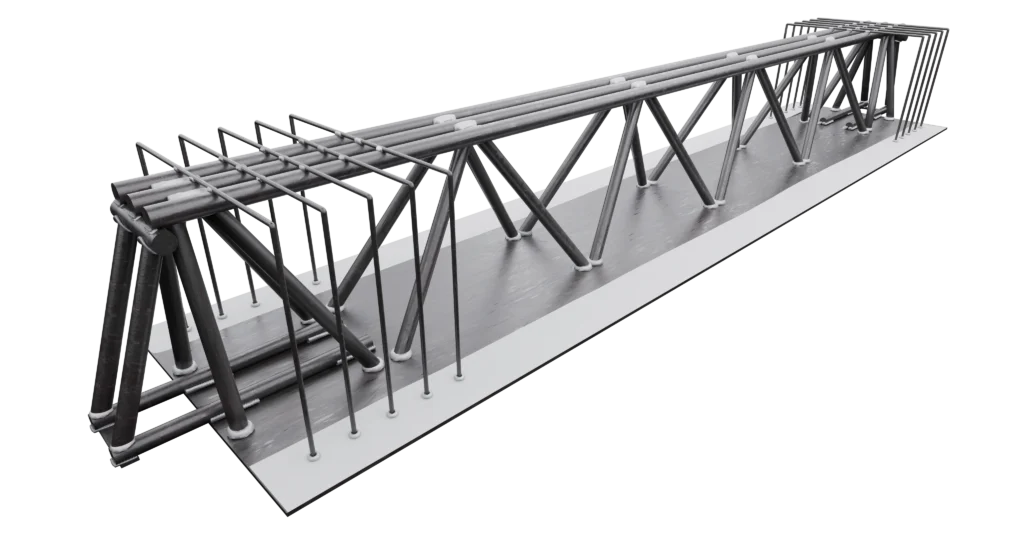
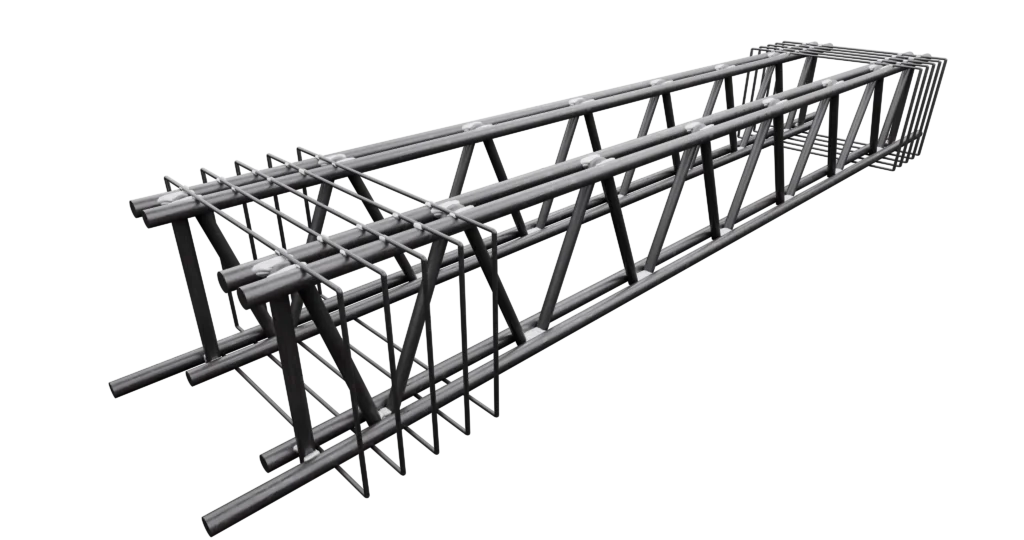
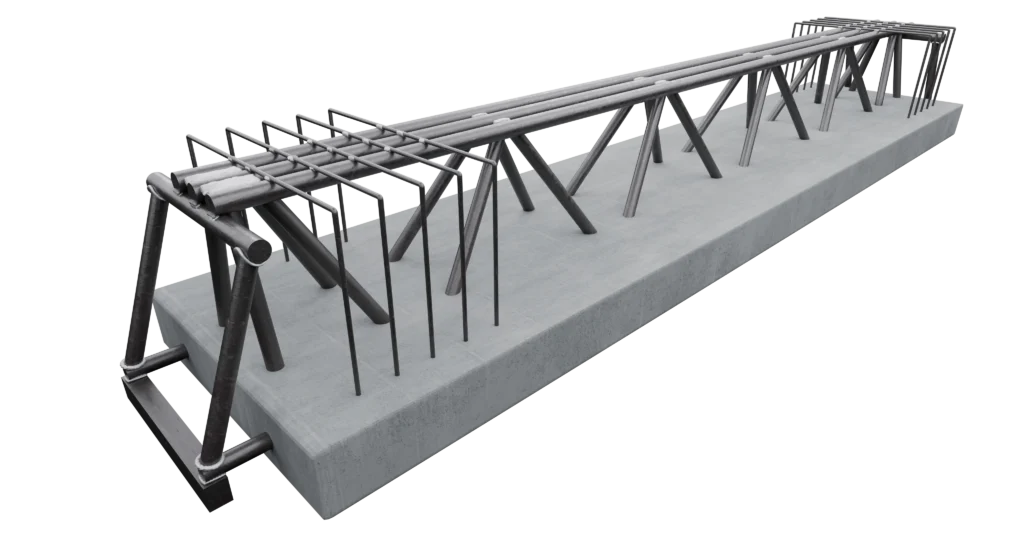
You can insert MTR® A, MTR® AR, MTR® T, and MTR® C beams into your model, configuring their characteristics directly within Tekla Structures, for faster, more accurate design that’s consistent with the MTR® System.

Fill out the form and request component activation using your Trimble Account.

elementi-bim-mtr

How the MTR® BIM component works

The component developed by Metal.Ri allows you to model MTR® beams within the Tekla Structures environment through a simple and intuitive workflow.

Once installed, simply apply the component to the beam and then select the MTR® type, customizing all the main geometric and construction parameters.

What can you do

  • model MTR® A, MTR® A-R, MTR® T, and MTR® C beams;
  • configure geometry and reinforcement through a dedicated interface;
  • manage the main construction variables of the MTR® System;
  • integrate modeling directly into your BIM process without creating custom objects from scratch;
  • reduce modeling time and the risk of errors.

Request the MTR® BIM component

Fill out the form below.

We only ask for a few pieces of information and your Trimble Account, which is essential for linking our BIM library to your Tekla Warehouse profile.